This site
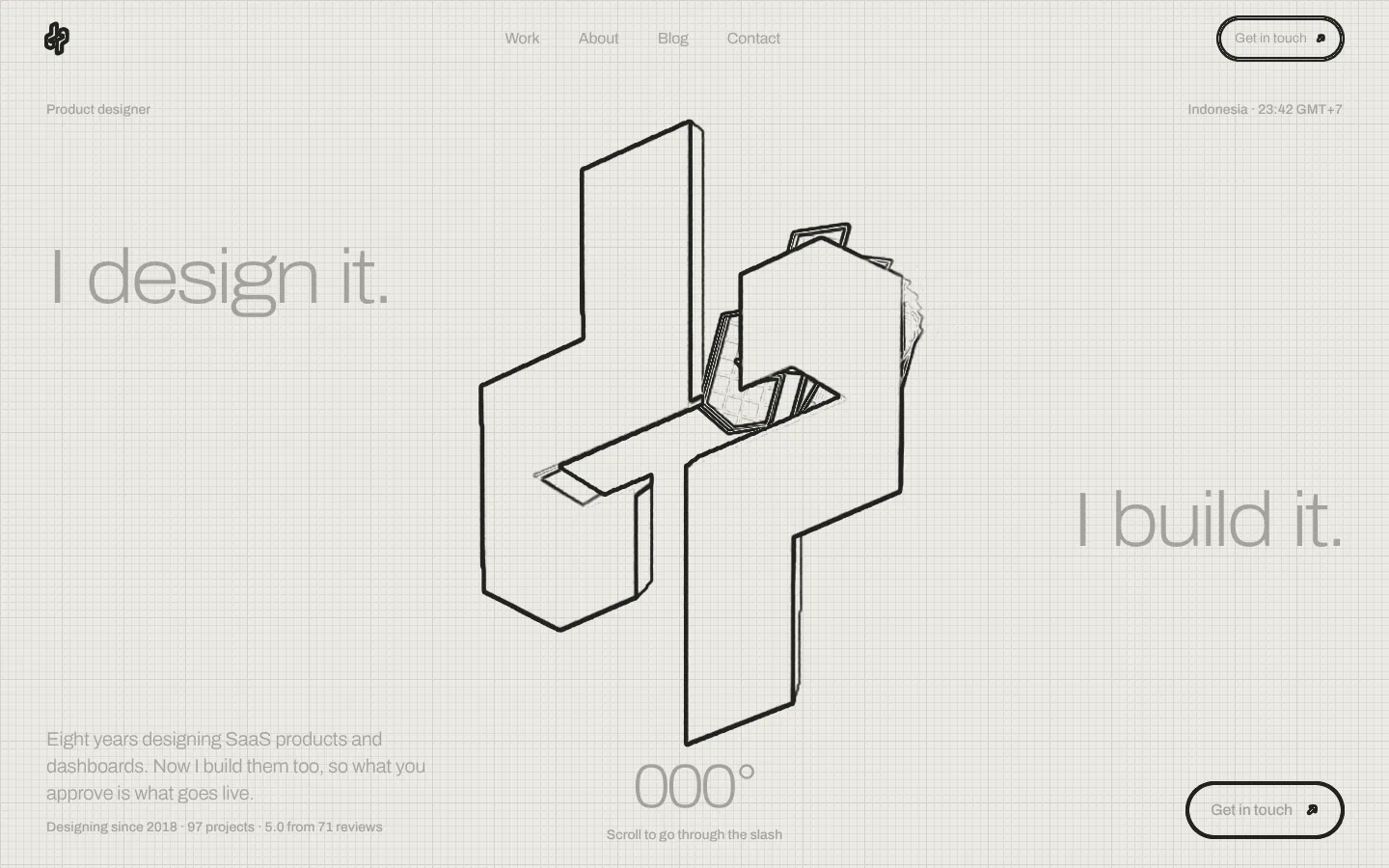
Go through the slashMy own portfolio, designed and built by me in 2026. One mark, one angle and one scroll clock, with a raymarched tunnel through the logo and no 3D engine underneath it.
 LiveDrawing
One angle, both sides.
I design products and I build them, so the portfolio had to prove both in the same breath. The whole identity is one move: a d, turned 180°, becomes a p. Design turns into production without changing hands.
Everything else follows from the slash between them. It sits at 23.6°, and that one number cuts every transition, mask and reveal on the site. If something moves, it moves along that line.
The mark, constructed: a pivot, one angle, eleven points, then a solid.
Start from a pivot
Every mark needs a centre it can turn around. Mine sits exactly between the d and the p.
23.6°, everywhere
The slash sets one angle. Every cut, band and transition on this site borrows it.
Eleven points
Each half is eleven points. Turn one 180° around the pivot and it lands as the other.
Drawn, then built
The lines become a solid, the same way a file becomes a product.
02 · The mark, constructed
A logo you can fly through.
The hero is one full-screen fragment shader. The marks are signed distance fields, so the same eleven points that draw the logo in the nav also build the solids you fly through.
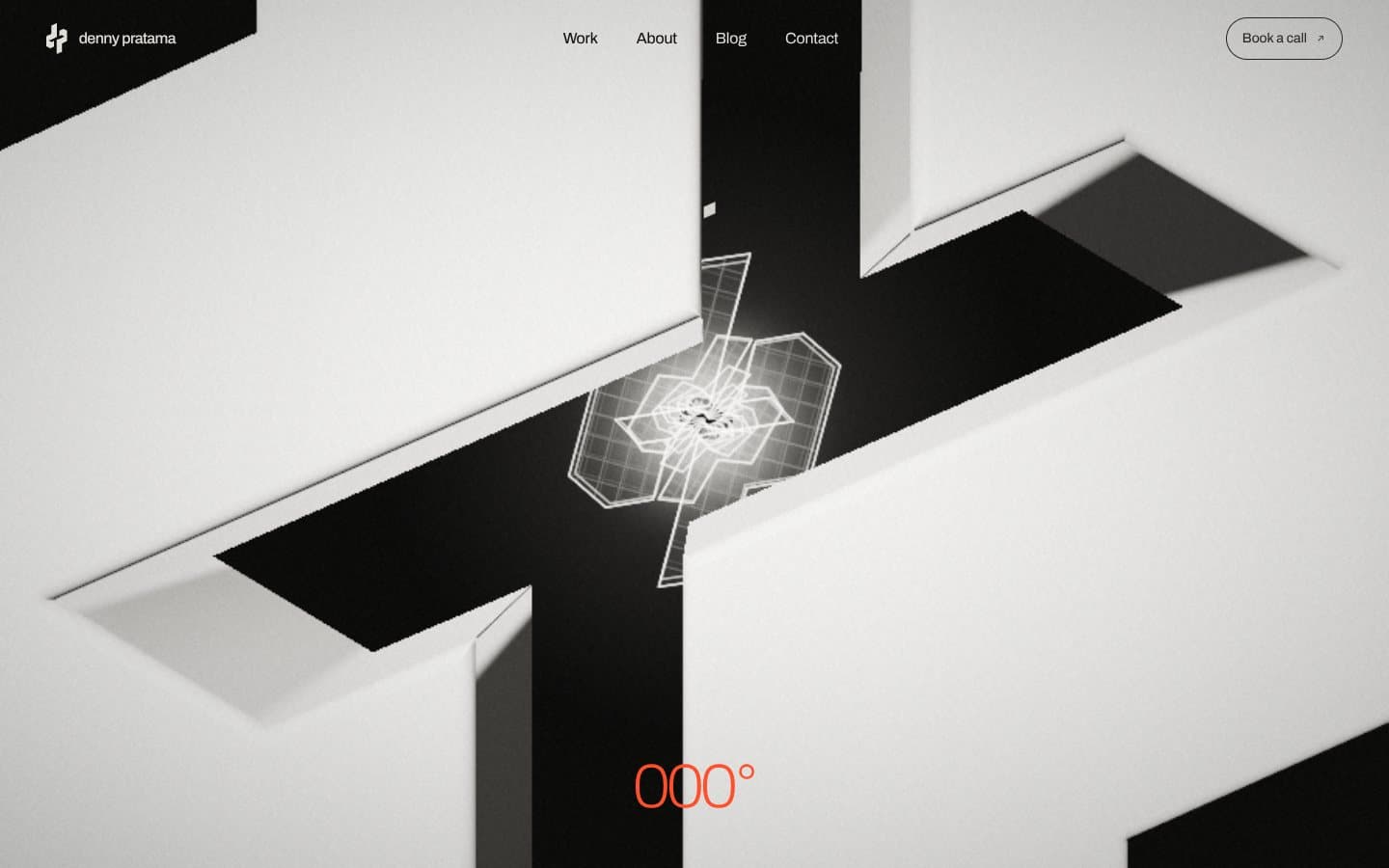
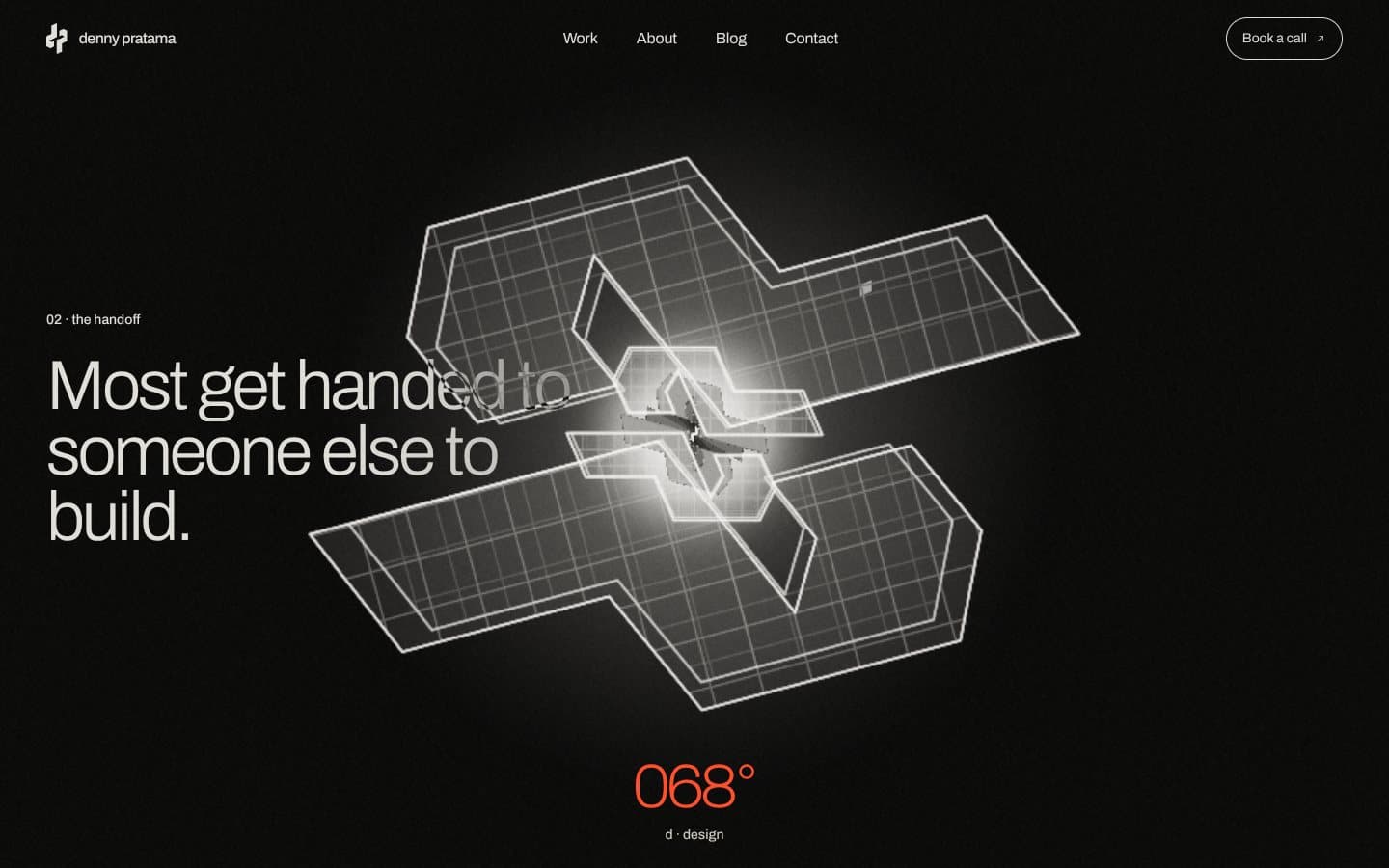
/* each half of the mark is one 11-point polygon */
float sdLogo(vec2 p) {
  /* the p is the d, turned 180° */
  return min(sdPoly(p), sdPoly(-p));
}

/* march until the surface is closer than a pixel */
for (int i = 0; i < 220; i++) {
  if (i >= N || t >= tMax) break;
  float d = mapT(ro + rd * t, id, lq, lz);
  if (d < 0.0004 * max(t, 1.0)) { hit = true; break; }
  t += d * 0.9;
}
- 11points per half of the mark, the only geometry in the scene
- 150march steps per pixel, with 4 more for ambient occlusion
- 62%starting render scale, stepping down to 42% when frames run slow
- 34 mscounts as a slow frame. Still too slow at 42%, and the hero swaps to a still
- 0march steps for the blueprint marks: 12 ray and plane hits, solved directly
- 4 coresor fewer, reduced motion, or no WebGL2: the still and a frame-by-frame story instead
One function cuts everything.
The slash is a number, not a picture. One function projects any point onto the 23.6° line, and CSS clips along the same line, so a pointer, a scroll position and a page transition all cut the same way.
LiveDrawingMove across it, or scroll: the slash follows
/* 0: the line has not entered, 1: it has left */
slashAt = (px, py, w, h) =>
  clamp01((py + 0.4369 * (px - w / 2) + 0.2185 * w)
    / (h + 0.4369 * w));

/* and in CSS, the live side is clipped to match */
.sl-live {
  clip-path: polygon(0 0, 100% 0,
    100% calc(var(--s) * (100cqh + 43.69cqw) - 43.69cqw),
    0 calc(var(--s) * (100cqh + 43.69cqw)));
}
- The case heroes and the /work list: the drawing under, the live site over
- The end of the tunnel, which opens onto the first project
- Both Sides, scrubbed by the pointer
- The page transitions, a panel skewed to 23.6°
- The name and number wipes, a 156.4° mask (180° minus 23.6°)
One clock, no engine.
- Framework
Next.js 16 with the App Router. Every route is static HTML, so the first paint never waits on a server.
- Motion
Lenis, GSAP and ScrollTrigger share one ticker. Scroll is read once per frame and written into CSS custom properties, and the CSS does the rest with calc().
- 3D
Raw WebGL2: one program, one triangle, about 7 KB of shader. No three.js, nothing to download before the tunnel starts.
- Type
Archivo as a variable font. The width axis runs from 62% in the intro to 118% in the stats, so one file covers every voice.
- Drawings
The drawing side of each preview is an edge pass over the live screenshot, made at build time by a small Python script, until the real Figma frames replace it.
Heavy on the eye, light on the wire.
- 86Performance, home page on a throttled phone
- 97Performance, home page on desktop
- 0Layout shift, on every page measured