Wordsburg
Visit wordsburg.comA global content solutions partner that publishes white papers, playbooks and a busy blog. I designed the experience end to end, down to the article template their team publishes with.

01Brief
A content engine that looks like a brand, not a blog theme.
Wordsburg publishes constantly: white papers, use cases, a transformation playbook and a steady stream of articles. Each of those pages has to carry the brand as carefully as the homepage does.
[Brief in one or two sentences: the business goal, what wasn’t working before, and the deadline.]
Designd · 04
- d.1Site-wide UI/UX, from the homepage to the article template
- d.2A blog system with category pills, bylines and breadcrumbs
- d.3A locked icon style built on one gradient stroke
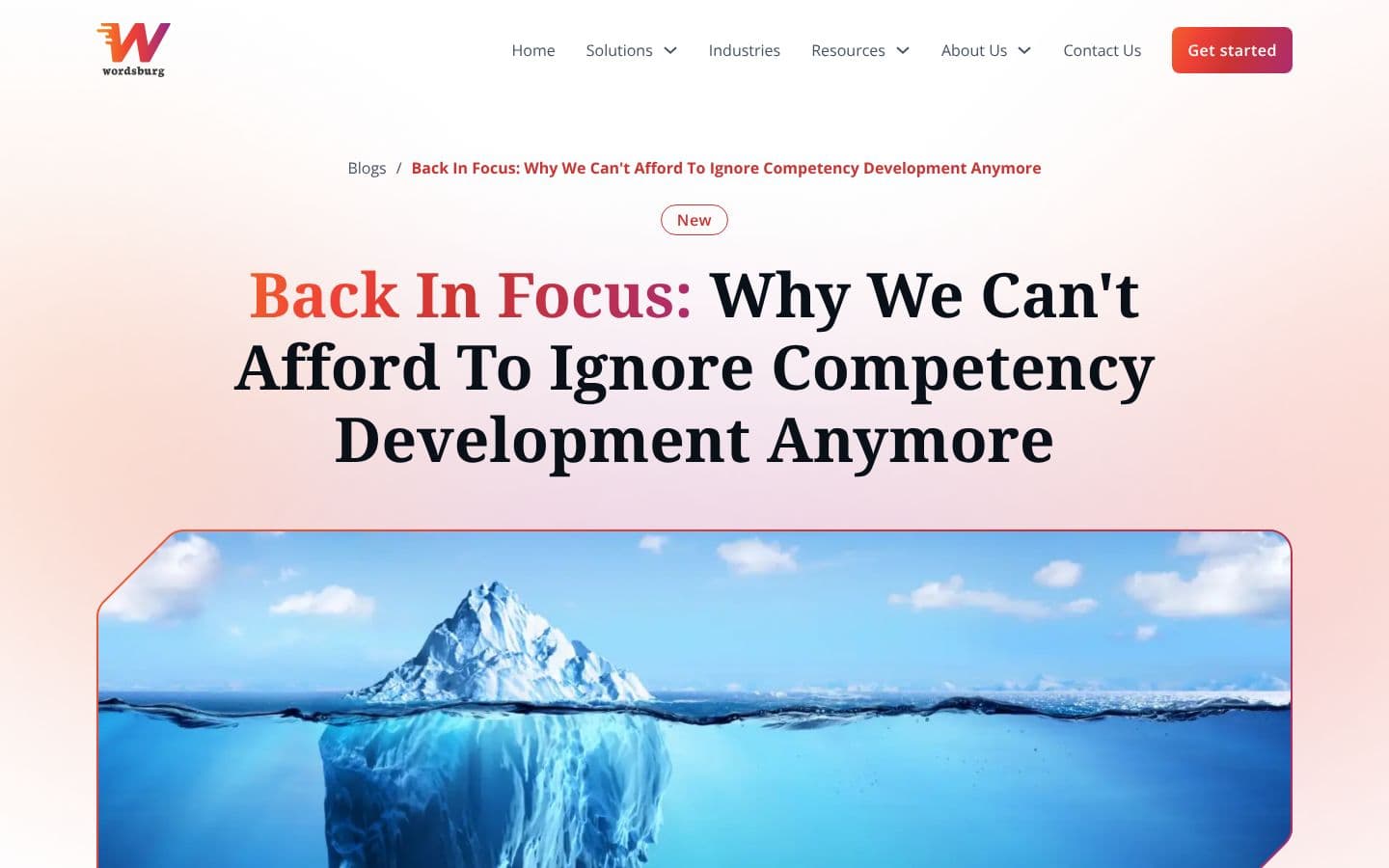
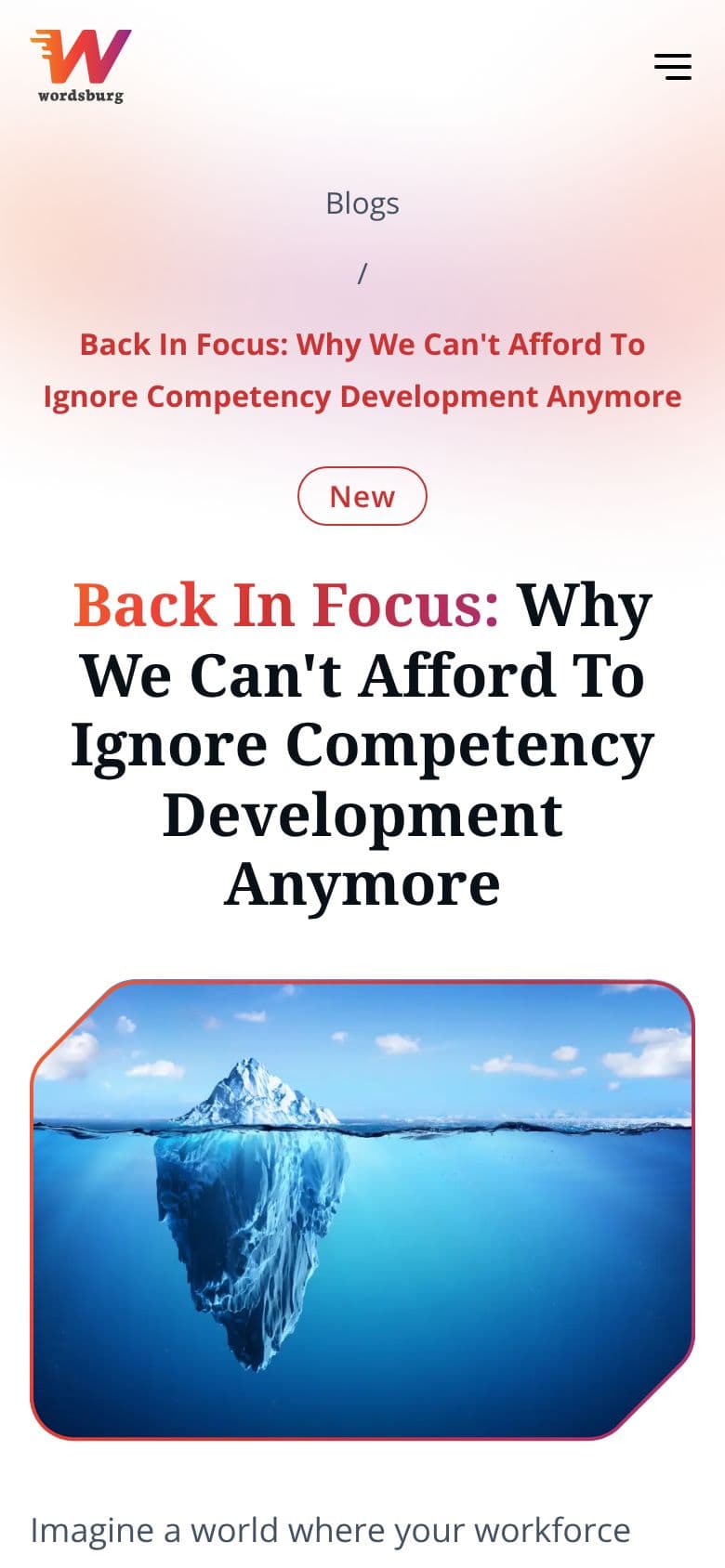
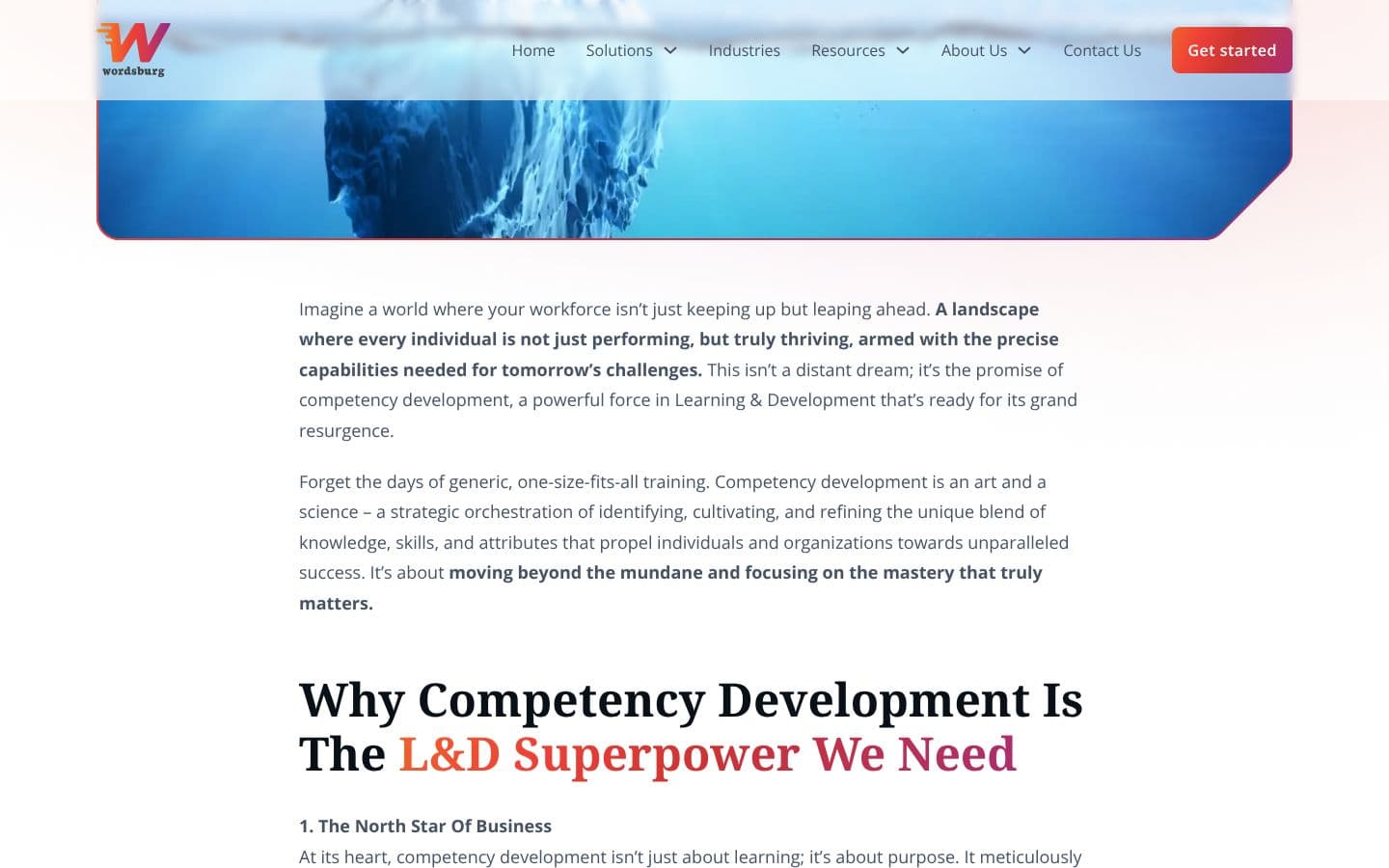
- d.4A branded image frame that marks every visual as Wordsburg’s
Productionp · 01
- p.1Built by the client’s own team, from my design files


03Detail
From a Figma chore to a CSS rule.
Every image on Wordsburg wears the same cut-corner frame. In Figma it was a manual step for every visual. On the live site it’s a mask in the template, so anything the team uploads gets the frame on its own.
/* every uploaded image gets the frame */
.wb-frame {
  clip-path: polygon(
    0 0, calc(100% - 56px) 0,
    100% 56px, 100% 100%,
    56px 100%, 0 calc(100% - 56px)
  );
}
clip-path polygon · 56px corners · zero manual steps
04Next case00 / 09 · Case study
This siteSee the case